Image Generation in Sesi
Sesi provides a native, language-level primitive for image generation and manipulation, including image-to-image tasks like style transfer, upscaling, and editing. This primitive is designed to interoperate seamlessly with Sesi's file system builtins, allowing you to generate and persist images with minimal boilerplate.
The image Primitive
To generate or manipulate an image, use the image keyword followed by the model name, an optional configuration block, and a prompt block.
Syntax
The syntax parallels standard model calls:
image("model-name") {configKey: "configValue"} {"Prompt text"}
Basic Example
Here is a simple example demonstrating how to generate a single image and save it to disk directly:
// 1. Define the generation prompt natively
prompt request {"A simple minimalist company logo for a bakery"}

// 2. Call the image generation primitive
let imageData = image("gemini-3.1-flash-image") {ratio: "1:1", size: "1K"} {request}

// 3. Write the payload to disk
try {
    let success = write_image("bakery_logo.png", imageData)
    if success {
        show "Saved bakery_logo.png successfully."
    }
} catch (e) {
    show "Failed to generate image:" e
}

Advanced Example: Batch Asset Generation Workflow
Here is a practical script demonstrating how to iterate over a data set, generate assets, and save them to a specific directory. This is useful for building automated pipelines like generating UI placeholders or product catalog images.
// Set up output directory
let outputDir = "assets/products/"
make_dir(outputDir)

let products = ["coffee_mug", "desk_lamp", "notebook"]

// Iterate through the list and generate a file for each
for product in products {
    show "Generating asset for:" product
}

// Construct the instruction for the model
prompt request {"A clean studio presentation photograph of a " product " on a solid white background."}
prompt filename { outputDir product ".png" }

try {
    let imageData = image("gemini-3.1-flash-image") {ratio: "1:1", size: "1K"} {request}

    // Attempt local file write
    let success = write_image(filename, imageData)

    if success {
        show "Saved:" filename
    }
} catch (e) {
    show "Failed processing" product ":" e
}

show "Asset generation complete."
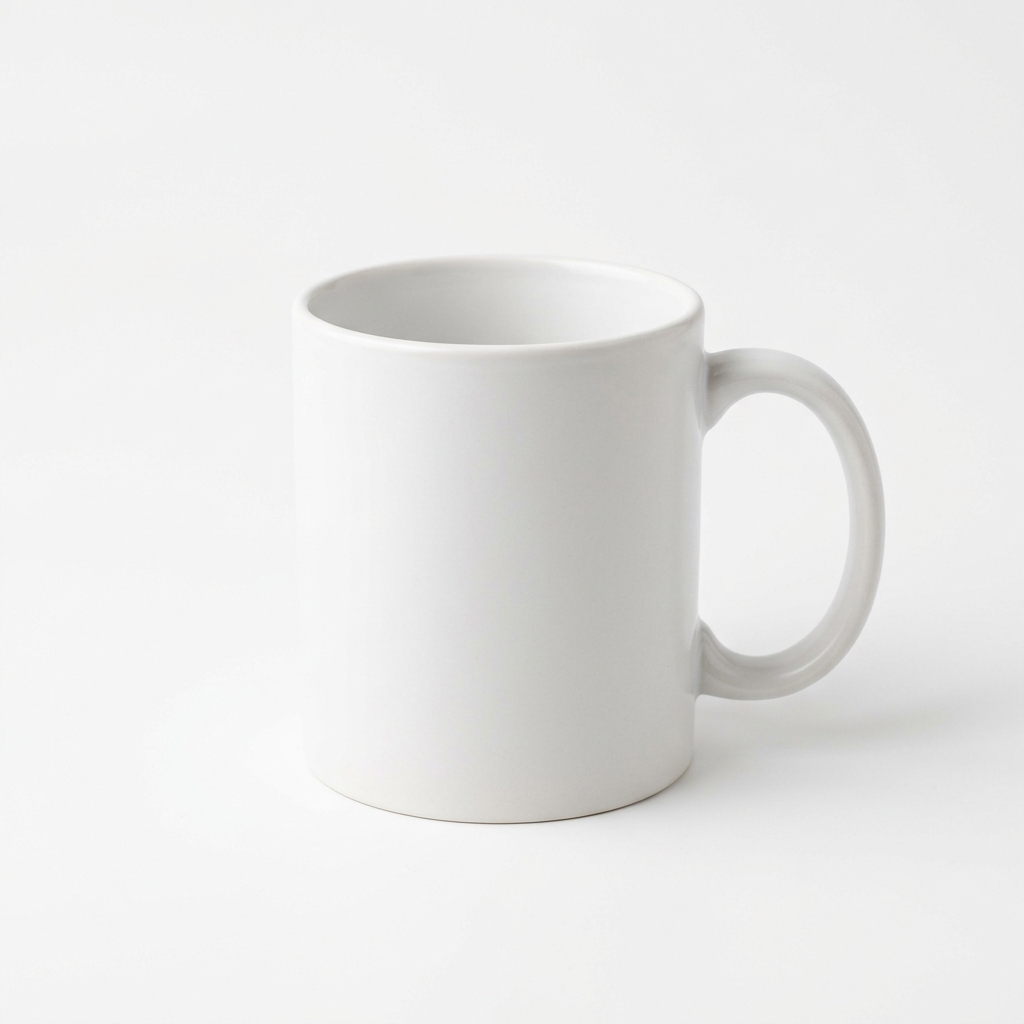
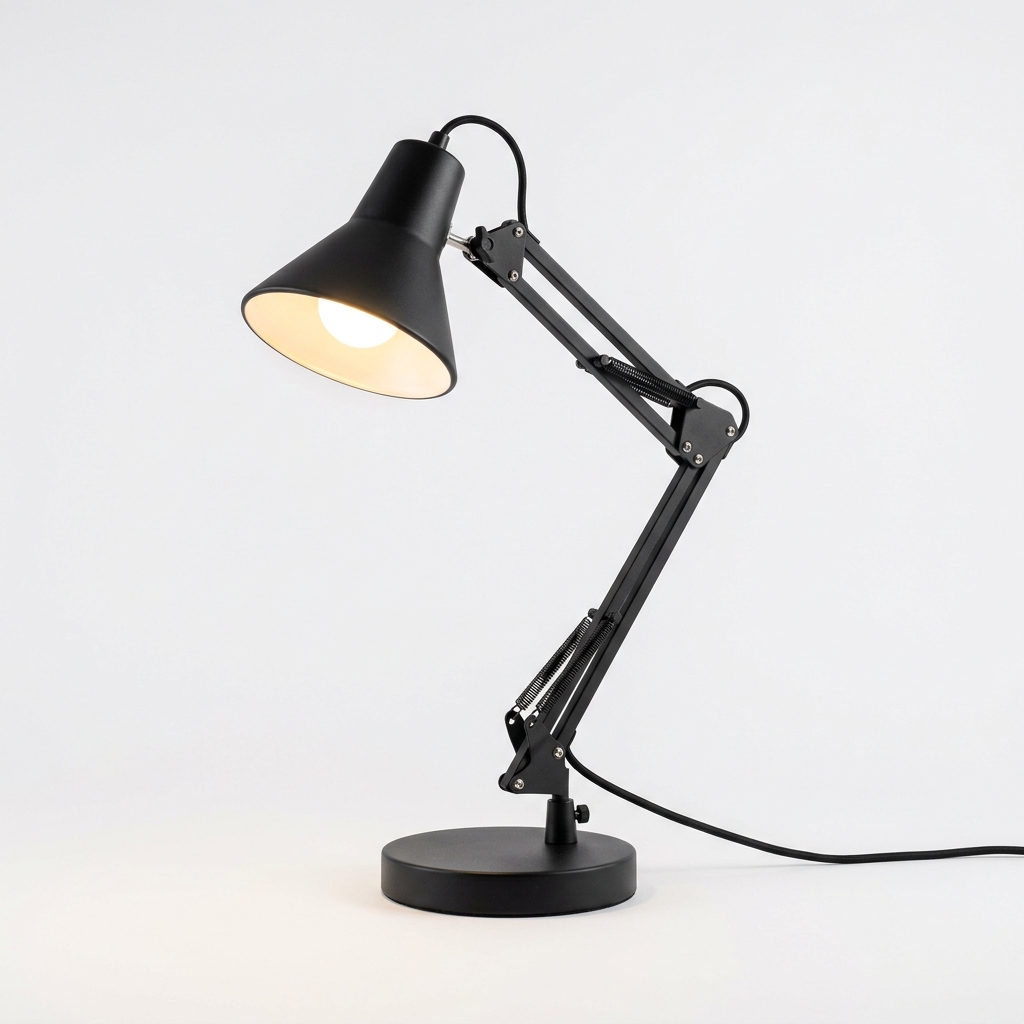
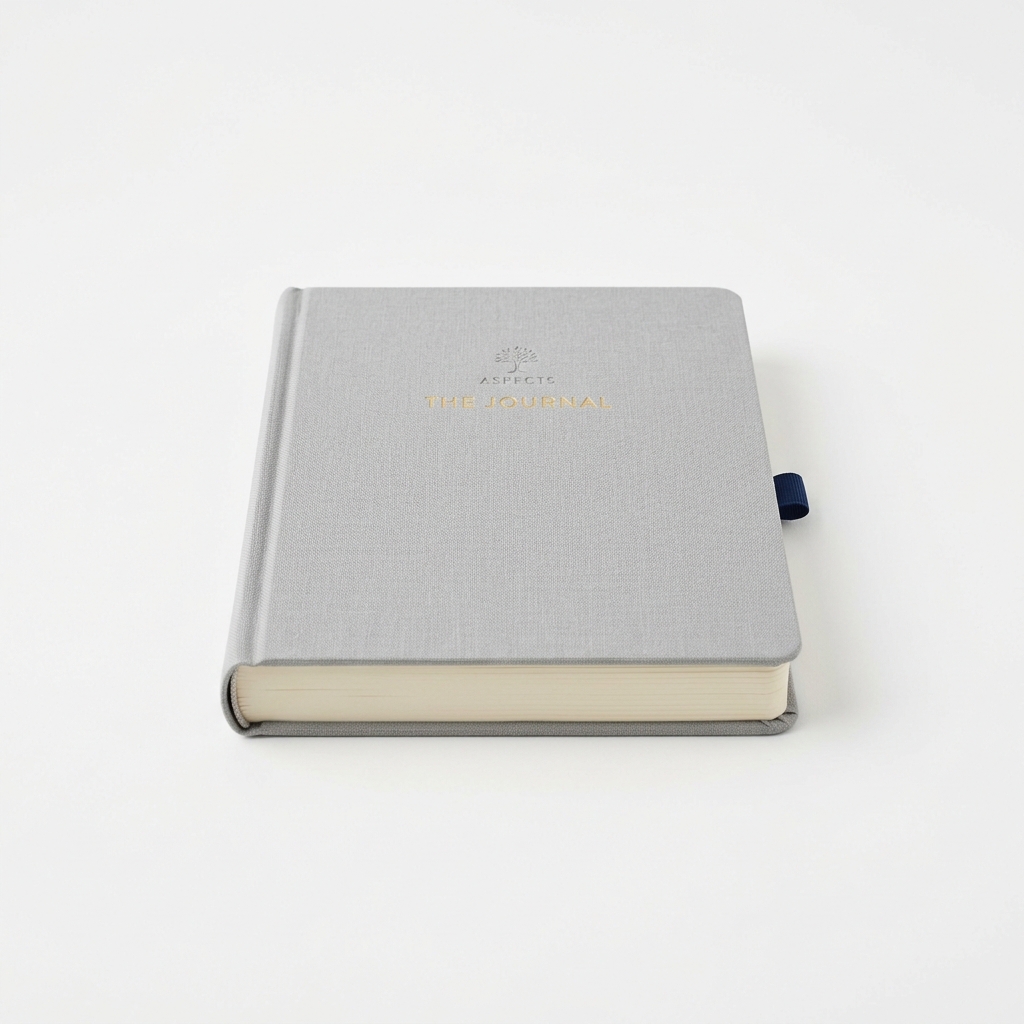
Configuration Options
When configuring the image call (specifically for models like gemini-3.1-flash-image), the configuration block maps directly to backend SDK capabilities:
ratio: The aspect ratio of the image (e.g.,"1:1","16:9","9:16").size: Dimensional sizing constraints (Must be"512","1K","2K", or"4K").temperature: Will be deprecated in Gemini 3.x+, use thinkingLevel instead. — controls variance.
GPT image models are also supported through the same image() primitive. When you pass a model such as gpt-image-2, Sesi routes the call through OpenAI's image generation API and uses ratio to choose an OpenAI-compatible output size.
let logo = image("gpt-image-2") {ratio: "1:1"} {"A bold, flat logo for a fictional studio, black on warm white."}
write_image("gpt-generated-logo.png", logo)

File I/O Integration: write_image
The image() call evaluates to a string (specifically, base64-encoded image data). To convert this into a standard image file on disk, use either write_image(path, base64_content) or write_file(path, base64_content, "base64").
write_image remains the clearest option for image payloads, while write_file(..., "base64") is useful for generalized binary writes.
---
Passing Images as Input (v1.2+)
Both model() and image() accept local image files as visual input via the images config key. The runtime reads each file from disk, base64-encodes it, and attaches it as an inline data part alongside the prompt. This enables vision tasks such as image description, comparison, OCR, style transfer, and reference-guided generation.
Supported Formats
.jpg / .jpeg, .png, .gif, .webp, .bmp
Syntax
model("model-name") {images: pathExpr} {prompt}
image("model-name") {images: pathExpr} {prompt}
pathExpr is any Sesi expression that evaluates to a string (single file) or an array of strings (multiple files).
Single Image — Describe a File
let caption = model("gemini-3-flash-preview") {images: "shots/frame_01.jpg"} {"Describe what is happening in this photograph in one paragraph."}

show caption
Multiple Images — Side-by-Side Comparison
let frames = ["take_a.jpg", "take_b.jpg"]

let notes = model("gemini-3-flash-preview") {images: frames} {"These are two alternate takes of the same scene. List the differences in composition and lighting."}

show notes
Dynamic Path from a Variable
let src = "scans/print_neg_04.png"

let reading = model("gemini-3-flash-preview") {images: src} {"Read and transcribe all visible text in this image."}

write_file("output/transcription.txt", reading)
show "Transcription saved."
Reference-Guided Image Generation
Pass a reference image to an image-generation model to ground its output.
let ref = "references/grille_detail.jpg"

let render = image("gemini-3.1-flash-image") {images: ref, ratio: "16:9"} {"Render a full front elevation in the same visual style as the reference."}

write_image("output/elevation.png", render)
show "Render saved."
Pipeline: Batch Description from a Directory
let dir = "frames/"
let files = list_dir(dir)

for f in files {
    prompt p {dir f}
    let desc = model("gemini-3.5-flash-lite") {images: p} {"Describe this frame in one sentence."}
    show f desc
}
Config Reference
When used inside model() or image() config blocks, images is resolved at runtime — it is not a static string key passed to the Gemini SDK. All other config keys (thinkingLevel, max_tokens, ratio, size, etc.) work alongside it normally.
| Key | Accepted Value | Notes | |
|---|---|---|---|
images |
string or array<string> |
One or more local file paths. Resolved relative to process.cwd(). |
Note: Multimodal input requires a vision-capable model (e.g.
gemini-3-flash-preview,gemini-3.1-flash-lite,gemini-3.5-flash-lite,gemini-3.1-pro-preview,gemini-3.5-flash,gemini-3.6-flash,gemini-3.7-flash,gemini-3.8-flash). Image-generation models that accept reference images are listed in their respective model documentation.